How to Turn Your California Road Trip Into a Video You’ll Actually Rewatch
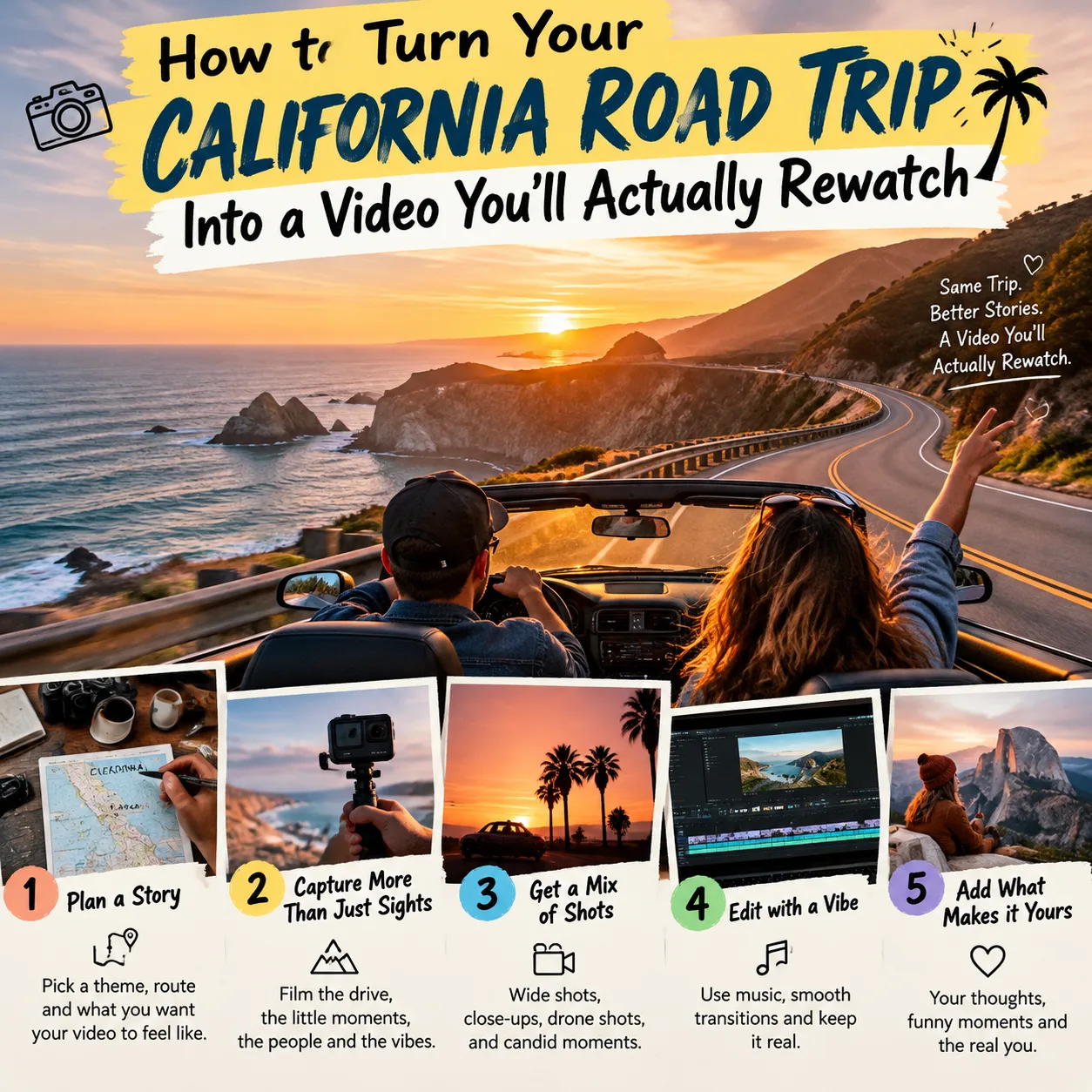
Every California trip leaves me with the same problem. I come home with hundreds of photos, a pile of shaky clips, and no good way to show any of it to anyone. A camera roll is where memories go to sit. A short video gets watched, shared, and remembered. If you have never edited footage before, a browser tool like the Clideo video maker is an easy place to start. You upload your clips and photos, add music and text, and export something you can send to family or post online, with no software to install. This guide covers how to plan, shoot, and edit a trip video, with ideas from San Francisco, Lake Tahoe, the national parks, and the hot springs.
Why a Video Beats a Photo Dump
Photos freeze a moment. The video keeps the sound of waves at Big Sur, the crunch of gravel on a trail, and the second the fog slips under the Golden Gate Bridge. Those small details are what we forget first and miss most. Video also forces you to choose. Fifty photos of the same sunset turn into one good ten-second clip, and the people watching will thank you for it. Friends will sit through two minutes of a tight edit far more happily than they will scroll through your whole album.
Plan Your Story Before You Press Record
You don’t need a script. A loose plan saves hours later, though. I think of every trip video in three parts: getting there, the main event, and a quiet ending.
- Opening shots: the view from the car window, a map on the dashboard, a road sign, your first look at the ocean
- The middle: the places that made the trip worth taking, like a trailhead, a pier, a pool, or a lookout
- The ending: a sunset, the drive home, or a last meal that everyone still talks about
Decide on length early. Sixty to ninety seconds works for social media. Two to four minutes suits a family video that people watch on a big screen. Shorter almost always wins.
What to Film at Popular California Stops
Each part of the state gives you different material. Here is what I try to capture in the places readers ask about most.
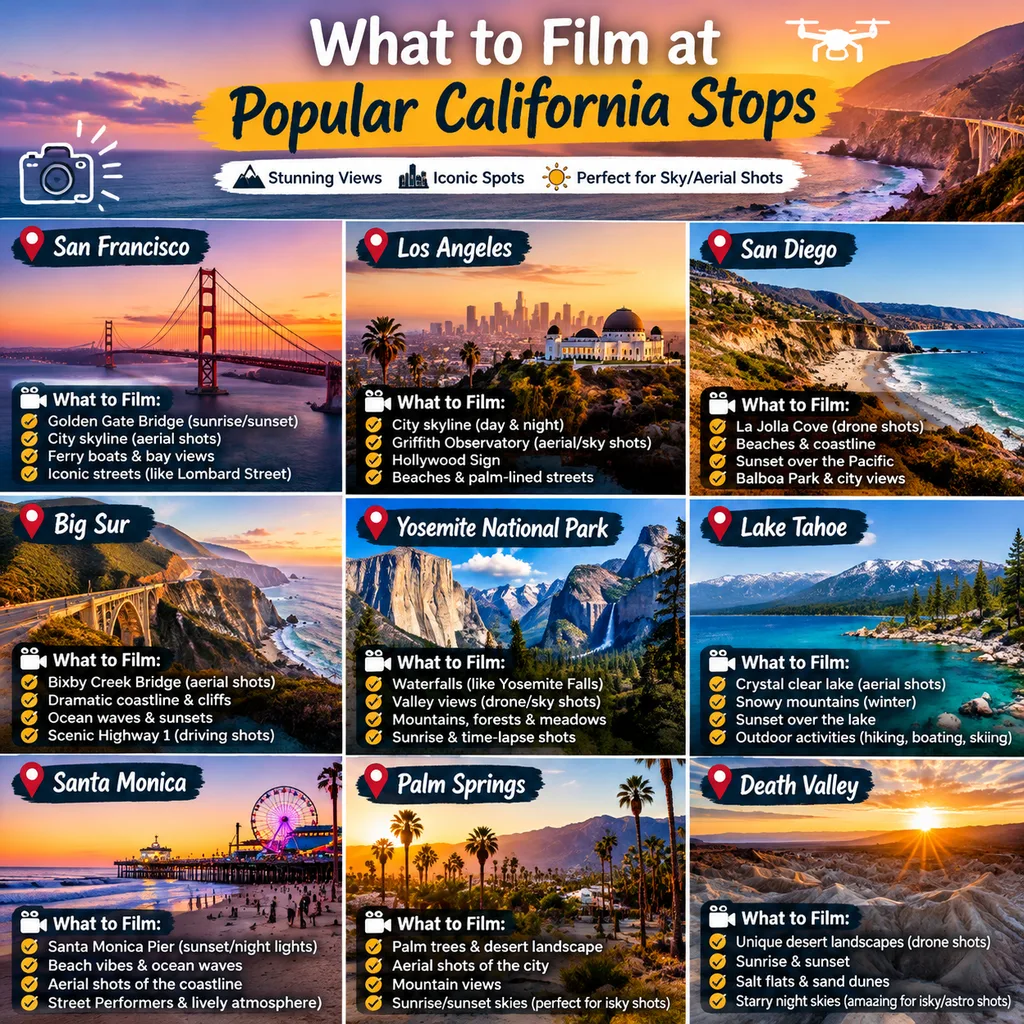
San Francisco
The city is all movement. Film a cable car rattling up a hill, the ferry pulling away from the Embarcadero, or fog rolling over the bridge towers. Hold each shot for five or six seconds, and don’t pan back and forth. The steep streets look great from low angles, and a wide shot followed by a close-up of a street sign or a bakery window gives your edit some variety.
Lake Tahoe
Tahoe is at its best early in the morning, when the water is flat and almost no one is around. Record a wide shot of the lake, then get close to the details: pine needles, a paddle dipping in, ripples near the shore. The sound of quiet water carries a lot of the mood, so capture a few clips without talking over them.
National Parks
Scale is the challenge in Yosemite, Sequoia, and Joshua Tree. A giant tree or a granite wall looks small on a phone screen until you put a person in the frame. Ask a friend to walk through the shot. Drones are generally banned in national parks, so leave yours at home and check each park’s rules before you go.
Hot Springs
Steam and low light make for moody footage, but they are tricky to film well. Keep your phone away from the water and wipe the lens often, because moisture makes everything look hazy. Please ask before filming other people, since many visitors come to these places for privacy.
Putting the Video Together, Step by Step
Editing feels like a big job until you break it down. This is the order I follow:
- Sort your footage first. Delete blurry clips and near-duplicates before you upload anything. Fewer files means a faster, calmer edit.
- Upload clips and photos. Add everything you plan to use, including a few still photos, which are handy for scenes where you didn’t shoot video.
- Arrange the order. Follow the three-part story from earlier. Put your strongest shot near the start so people keep watching.
- Trim every clip. Cut the first second and the last couple of seconds of each one. Most clips start too early and end too late.
- Add music. Pick a track that fits the mood and keep it low enough that natural sounds still come through.
- Add text sparingly. A place name and a date are plenty. Long captions pull attention away from the picture.
- Preview, then export. Watch the whole video once with the sound on and once with it off, since many people scroll with their phones muted.
I usually watch my first cut and wince. That is normal. A second pass, with a few clips removed and a few trimmed, almost always fixes it.
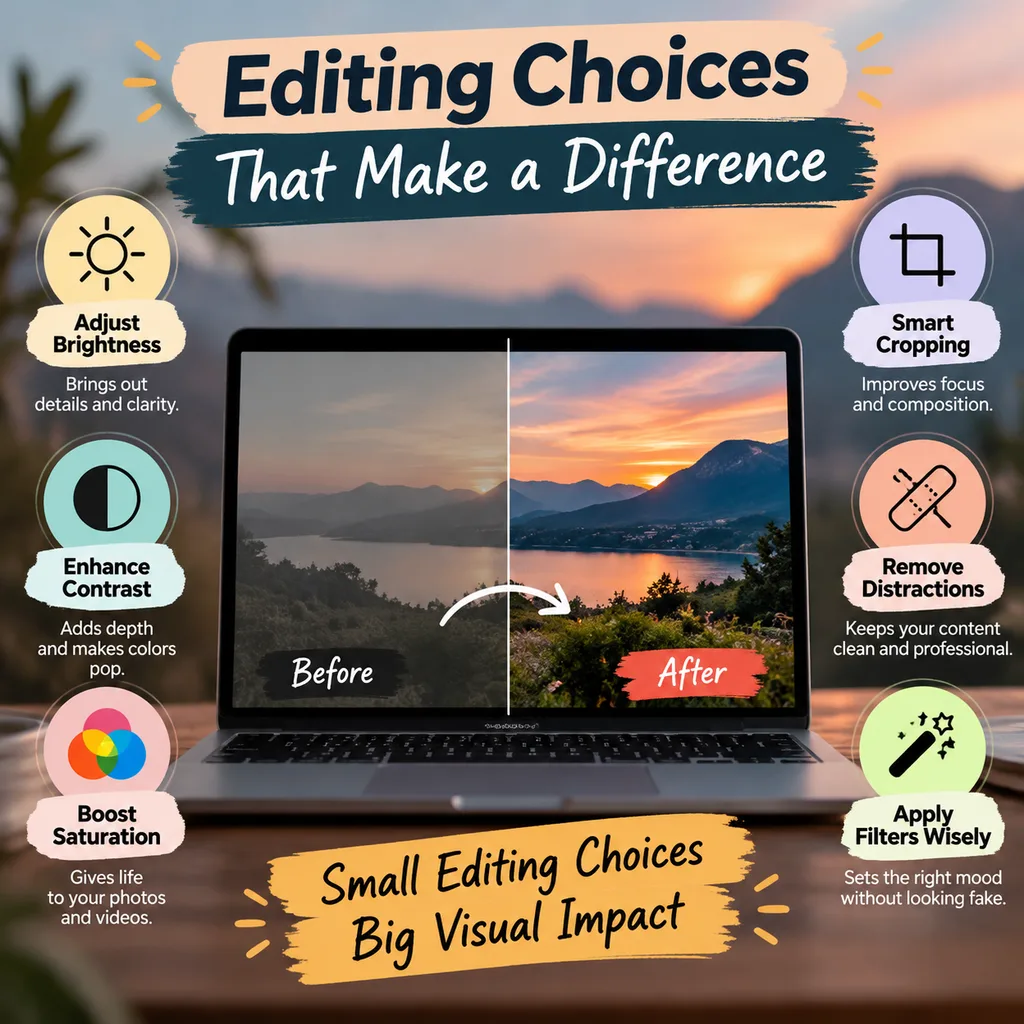
Editing Choices That Make a Difference
- Pacing. Mix long, slow shots with quick ones. A calm lake view followed by a fast run of street scenes keeps the rhythm interesting. If every clip runs the same length, the video feels flat.
- Music. Choose something that matches the place. Mellow guitar suits a forest trail, while a brighter beat works for a city day. Make sure you have the right to use the track, especially if you plan to post publicly.
- Color and light. Footage from different times of day can look mismatched when placed side by side. Small brightness adjustments help clips look like they belong to the same trip.
- Transitions. Plain cuts and short fades are enough. Fancy spinning effects look dated quickly and distract from the places you worked so hard to reach.
Mistakes I See Most Often
Most weak trip videos fail in the same few ways. Watch for these:
- Too long. Three minutes of unedited hiking feels like ten for anyone who wasn’t there.
- Shaky footage. Hold the phone with both hands, tuck your elbows in, and walk slowly, or stop completely while you film.
- Vertical and horizontal clips mixed together. Pick one orientation before the trip begins. Vertical suits social feeds, and horizontal suits TVs and laptops.
- Loud music that buries the scenery. If you can’t hear the waves, turn the track down.
- Forgetting people. The scenery is nice, but a quick shot of your travel partner laughing at a gas station is often the clip everyone remembers.
Sharing and Keeping Your Video
Once the video is exported, back it up in two places, such as a cloud drive and an external hard drive. I have lost trip footage before, and it hurts. Phone storage fails more often than you would expect. When you share it, think about the audience. A short cut with text on screen suits Instagram, while the longer version fits a family group chat or a shared album. You can even save the full version for yourself and post a trimmed teaser for everyone else.
If you’re still planning the trip itself, our destination guides cover the best seasons, permits, parking, and where to stay, so your video has a good story behind it.

Final Thoughts
You don’t need expensive gear or editing experience to make a California trip video that people enjoy. You need a rough plan, steady clips, and the discipline to cut more than you want to. Film a little extra of the ordinary moments, like the coffee stop and the wrong turn that led somewhere better. Those are often the scenes that make a video feel like your trip and nobody else’s.
Pick one upcoming outing, even a weekend drive, and treat it as practice. By the time you’ve finished your second or third edit, you’ll know exactly what you like to film and how you want the final video to feel.