Solo on Highway 1: How I Stayed Connected on a California Coast Road Trip
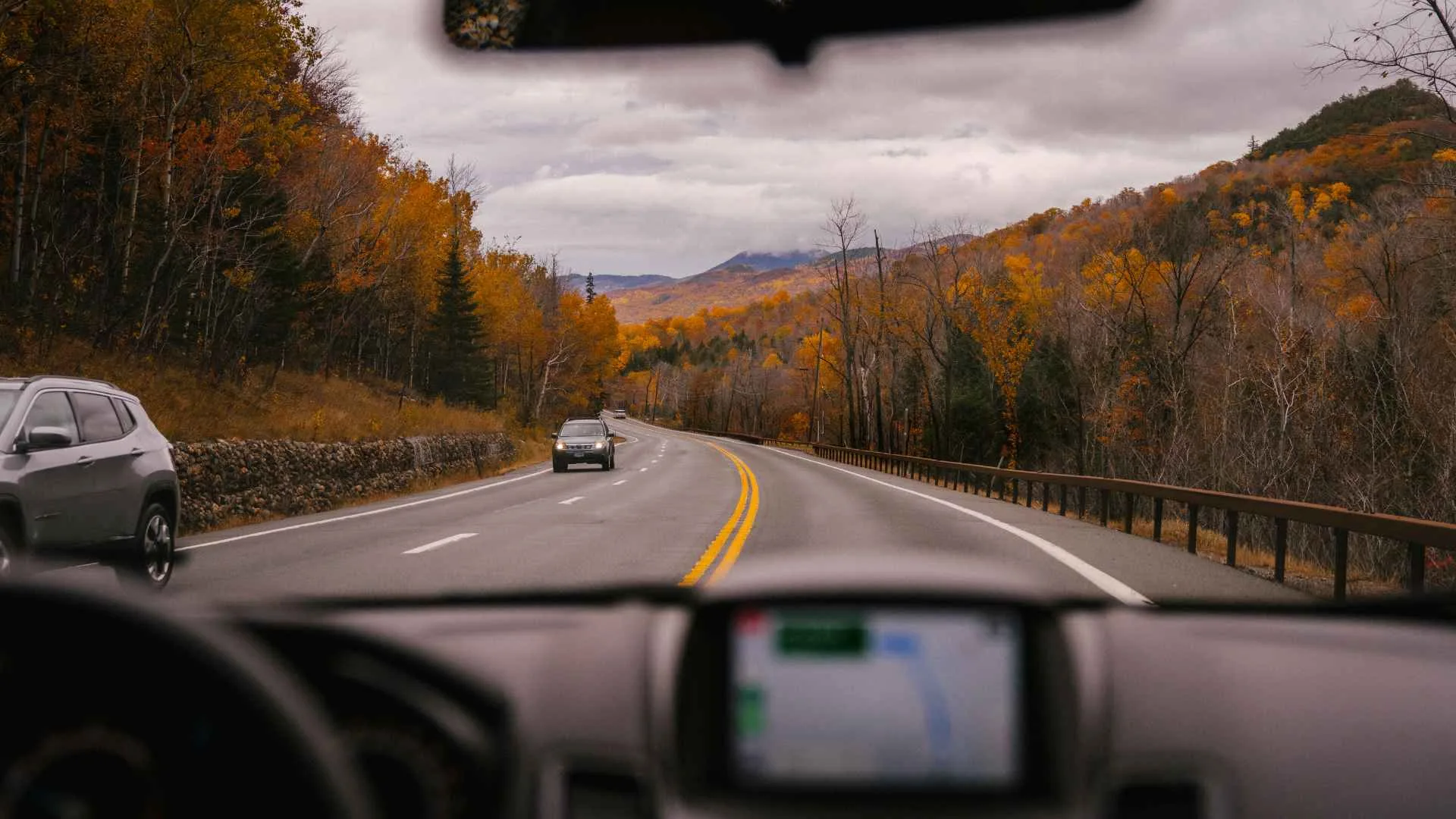
The plan looked simple on paper: ten days, one rental car, San Francisco to San Diego along the coast, no fixed schedule. What I had not planned for was how quiet a solo road trip can get once the excitement of the first day wears off. California’s coastline is spectacular, but some of the most beautiful stretches are also the ones where your phone shows no bars and the nearest person is a ranger two miles away.
This is the story of how that trip went, what I learned about staying connected on the road, and a few practical takeaways for anyone planning a solo drive down the coast.
Days 1 to 3: San Francisco to Monterey
The first leg was easy. Between San Francisco, Half Moon Bay, Santa Cruz and Monterey, coverage was strong almost everywhere, and every café seemed to have Wi-Fi. I checked maps freely, booked a last-minute motel in Pacific Grove from a parking lot and sent photos home as I went.
Evenings were the surprise. After a full day of driving and walking, I would sit in a motel room with nobody to tell about the sea lions at Moss Landing or the fog rolling over Lovers Point. Text messages felt flat. On the second night I called my sister on video chat and walked her around the room, held the phone up to the window to show the harbor lights, and suddenly the day felt shared rather than just experienced.
Days 4 and 5: Big Sur and the Dead Zones
South of Carmel, everything changed. Big Sur is famous for patchy or nonexistent cell service, and the reputation is earned. Long sections of Highway 1 between Carmel Highlands and Ragged Point have no signal at all, and the few lodges and campgrounds that offer Wi-Fi tend to keep it slow and limited.
I had prepared for this, mostly. Before leaving Monterey I downloaded offline maps for the whole region, saved my lodging confirmation as a screenshot and told my family I would be unreachable for about a day and a half. That small message mattered more than anything else: nobody worried when my phone went silent.
Being offline in Big Sur turned out to be one of the best parts of the trip. Without notifications, I spent longer at McWay Falls, talked to other travelers at Nepenthe and actually read a paperback at a campground. The lesson was not to avoid dead zones but to plan around them.
Connectivity Along the Coast at a Glance
Based on my own trip and what other travelers commonly report, here is a rough picture of what to expect. Coverage varies by carrier and changes over time, so treat this as a planning guide, not a guarantee.
| Stretch | Typical cell coverage | Wi-Fi options | Planning tip |
|---|---|---|---|
| San Francisco to Santa Cruz | Generally good | Cafés, motels, libraries | Book lodging and download maps here |
| Monterey and Carmel | Good in town | Widely available | Last reliable stop before Big Sur |
| Big Sur (Carmel Highlands to Ragged Point) | Patchy to none | A few lodges, often slow | Tell people you will be offline; carry offline maps |
| San Simeon to San Luis Obispo | Improves quickly | Motels and cafés | Good place to catch up on calls |
| Santa Barbara to San Diego | Strong in most areas | Easy to find | Back to normal connectivity |
Days 6 to 8: Meeting People Without a Travel Buddy
By the time I reached San Luis Obispo, I had a new problem. I had seen incredible places but had hardly had a proper conversation in days. Hostels help, and I met a couple of fellow road-trippers in Santa Barbara, but evenings in a quiet motel were still lonely.
One night in Pismo Beach, half out of curiosity, I tried a random video chat app for the first time. I ended up talking with a student in Ohio who wanted to hear about the California coast, then with a retired teacher who had driven the same route in the 1980s and told me to stop at the Madonna Inn for pie. It was not a replacement for real friends, but it broke the silence, and it reminded me how many people are curious about the places you are lucky enough to be standing in.
A sensible caution: keep personal details such as your exact location, lodging and travel plans to yourself when talking with strangers online, and end any conversation that feels uncomfortable. Share the view, not your itinerary.
Days 9 and 10: Los Angeles to San Diego
The final stretch was busy, connected and a little overwhelming after the calm of Big Sur. I used the drive time to call friends with the phone safely mounted and hands-free, and saved video calls for the evenings in Laguna Beach and La Jolla, where I could finally show everyone the sunset I had been talking about for ten days.
Takeaways for Your Own Solo Coast Drive
- Download offline maps before Carmel. Do not count on finding a signal to navigate through Big Sur.
- Tell someone your plan. A short message with your route and expected dark periods prevents unnecessary worry.
- Screenshot confirmations. Lodging and reservation details should be available without a connection.
- Schedule calls where coverage is good. Monterey, San Luis Obispo and Santa Barbara are natural check-in points.
- Embrace the offline stretch. Some of the best moments come when your phone has nothing to say.
- Plan for evenings. Solo travel is often loneliest after dark, so line up a call home or a hostel common room for the quieter nights.
- Never use your phone while driving. Pull over at a turnout for anything that needs your eyes or hands.
Driving the California coast alone was one of the best decisions I have made. The views were the headline, but the real lesson was about balance: knowing when to switch off completely, and when a friendly face on a screen can turn a quiet motel room into a place to share the day. Plan the dead zones, protect your evenings and leave room for a pie stop or two along the way.