
Travel Document Review: I Used It to Renew My Passport
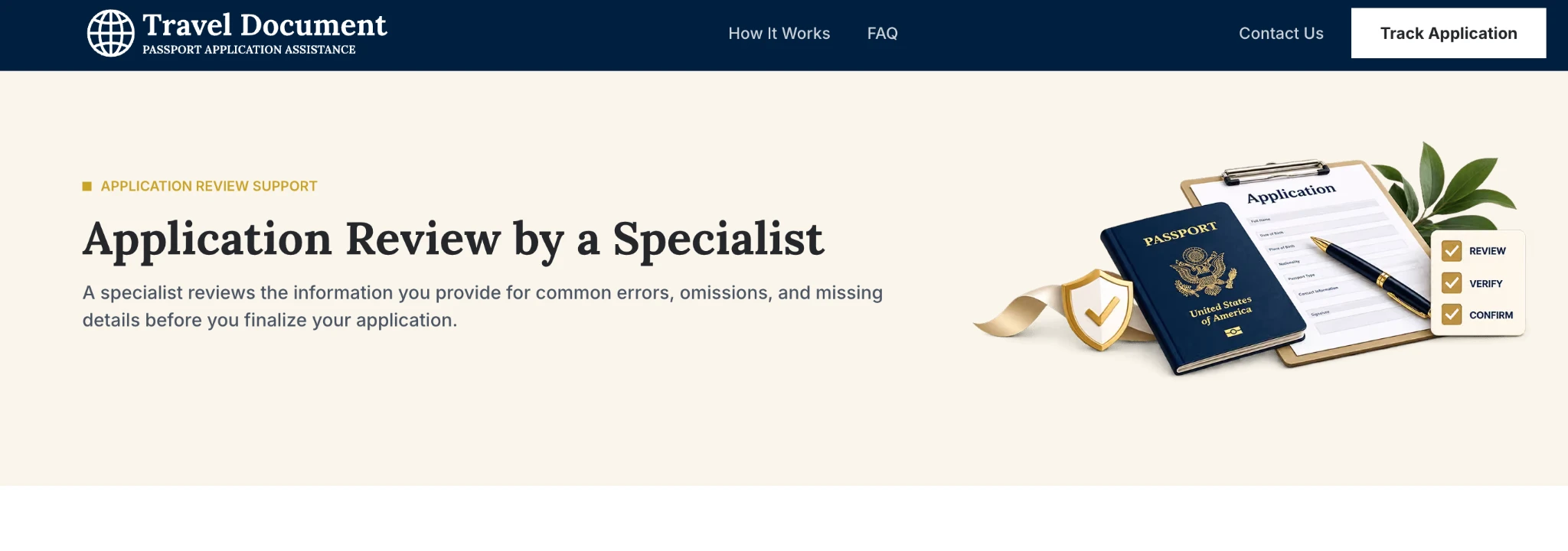
Filling in a passport application isn’t difficult, but small mistakes can hold it up for weeks. Travel Document offers to guide you through the forms and check them before you submit. I used it to prepare my passport renewal. I personally rate it 4.9 out of 5. It handles the whole workflow, from uploading files to extracting and organizing the data, quickly and accurately, and it needs very little manual work. Here’s every step that I followed, what it cost, how the review went and whether I think it’s worth paying for.
What Travel Document Is, and What It Isn’t
Travel Document is a passport application assistance service for U.S. citizens. It guides you through the application, helps you prepare the forms and documents, and gives you instructions for completing your request. Its stated aim is to simplify the process and, where possible, cut down the number of times you need to leave home.
It is a private company, not a government agency, and it isn’t affiliated with or endorsed by the U.S. Department of State. It doesn’t issue passports and has no say in eligibility, approval or government processing times. The site points out, more than once during the application, that you can apply directly with the government at travel.state.gov without using the service at all.
For standard applications, Travel Document prepares your form so you can print it. You then sign it and submit it yourself, with your supporting documents and any government fees. The two fastest plans, Priority and Rush, are handled by a registered passport courier. Government processing and delivery times are not guaranteed on any plan.
Who Can Use It
The service is only for U.S. citizens, though the website can be used from anywhere in the world. It covers three main application types:
- New passport, for first-time applicants and anyone who doesn’t qualify to renew.
- Renewal, for eligible U.S. citizens renewing an existing passport.
- Lost or stolen passport, for replacing a missing passport.
The FAQ also mentions name changes and corrections, and says you can prepare applications for children and other family members from one account. Under State Department rules, some applications, including first-time passports, still have to be submitted in person.
The Renewal Process, Step by Step
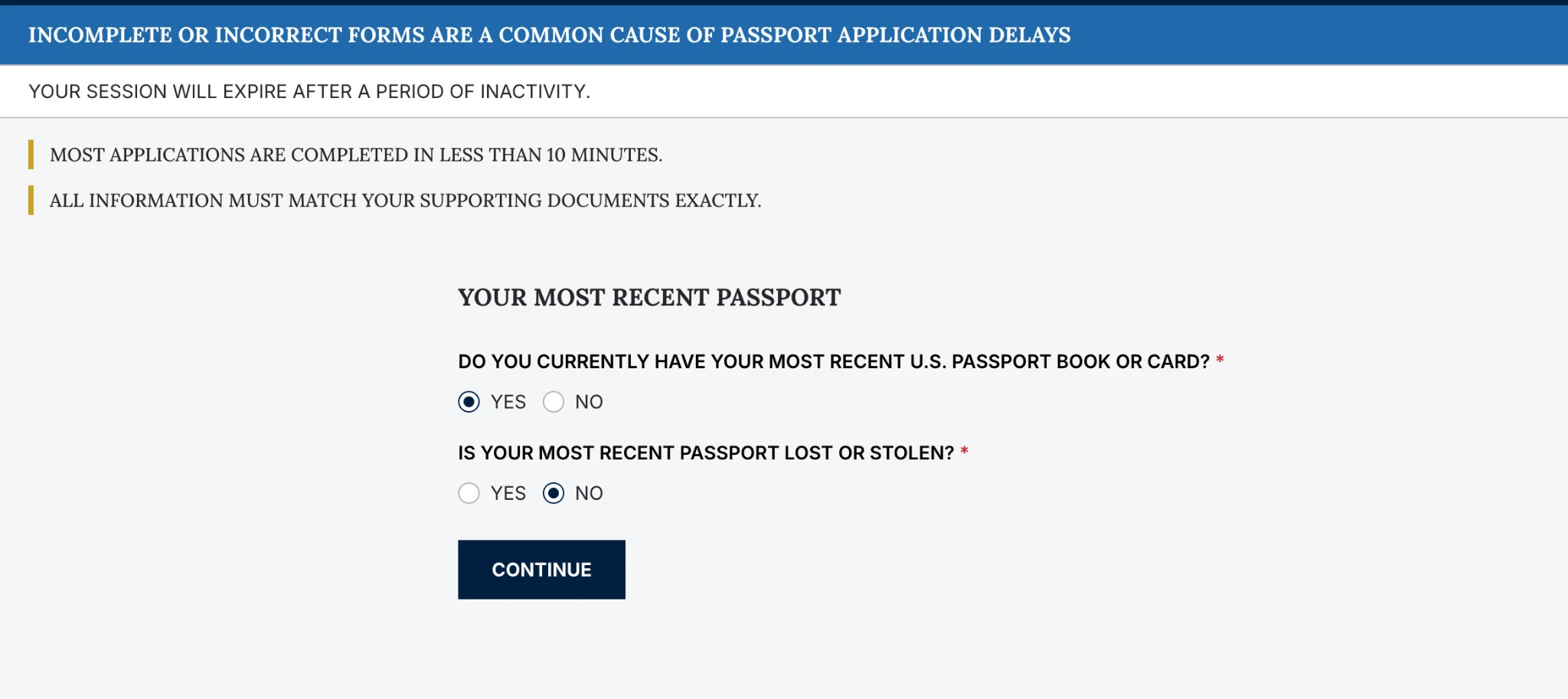
Every screen shows the same banner, warning that incomplete or incorrect forms are a common cause of passport delays. Two notes underneath say most applications take under ten minutes and that everything must match your documents exactly. Your session times out if you leave it idle, so have your passport and photo ready before you start.
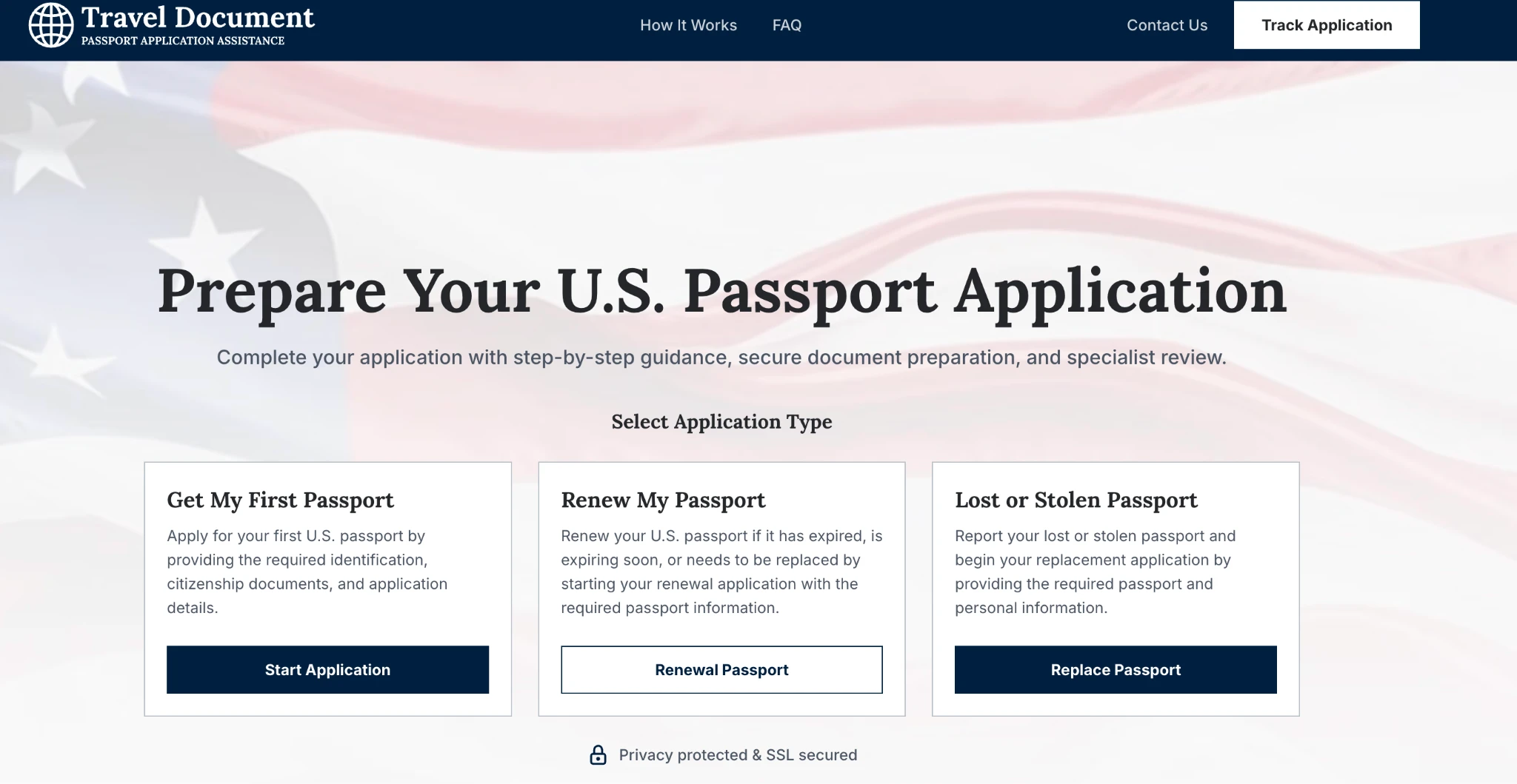
1. Choosing the application type. The homepage offers three options: Get My First Passport, Renew My Passport, and Lost or Stolen Passport, each with a short description. A note underneath says the site is privacy-protected and SSL-secured. I chose Renew My Passport.
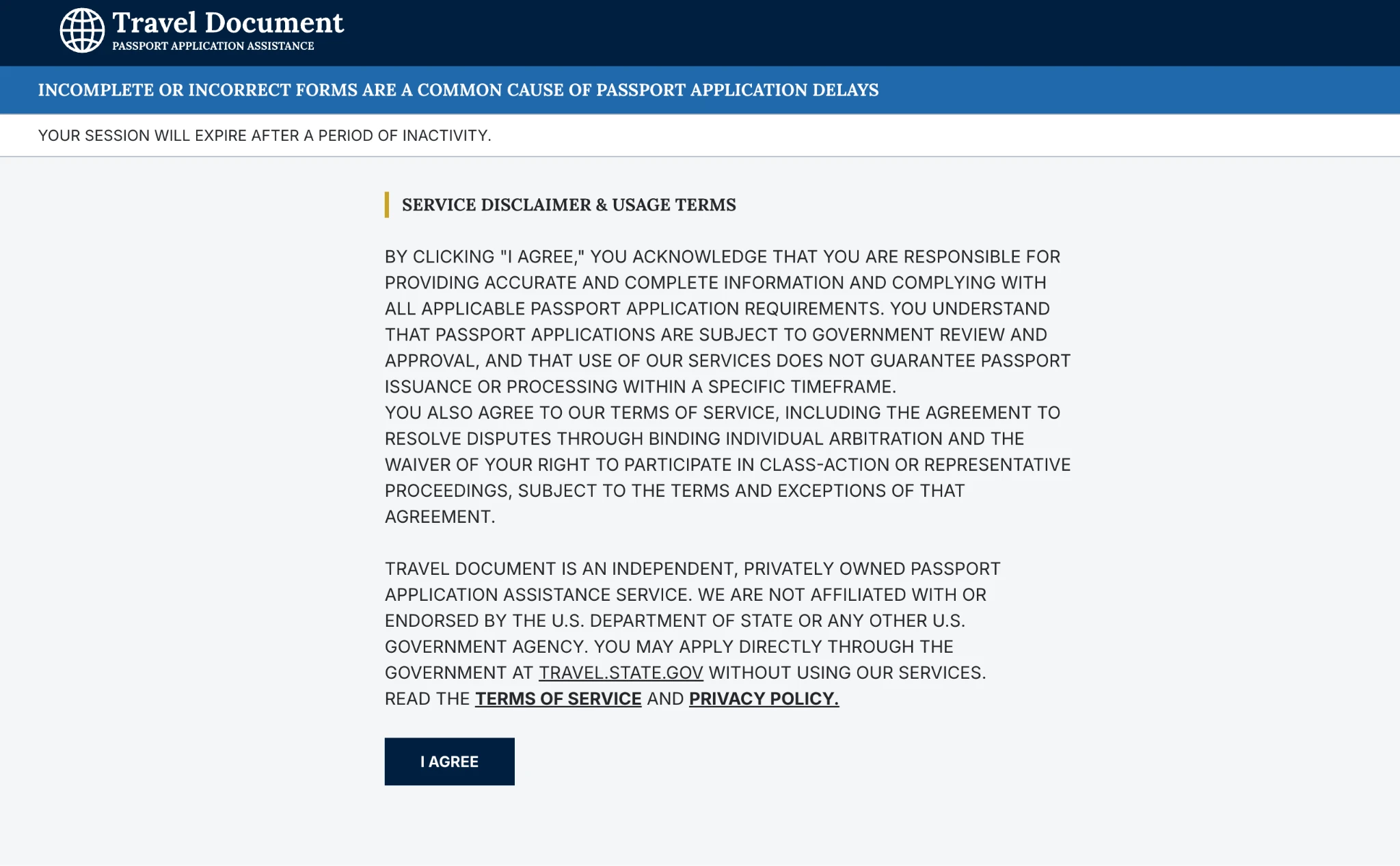
2. Agreeing to the terms. A disclaimer screen asks you to click I Agree before any questions appear. By agreeing, you accept responsibility for providing accurate information, acknowledge that the government reviews and approves every application, and accept that the service doesn’t guarantee a passport or any processing time. You also agree to the Terms of Service, which include binding individual arbitration and a waiver of class-action claims. It’s worth reading rather than clicking straight past.
3. Checking eligibility. Two questions follow: whether you still have your most recent U.S. passport book or card, and whether it was lost or stolen. Your answers confirm you’re on the right path for a renewal.
 4. Choosing what to apply for. You choose between a passport book only, for international travel by air, land and sea, or a book plus a wallet-sized passport card. The site explains that the card only works for entering the U.S. by land or sea from Canada, Mexico, Bermuda and certain Caribbean destinations, and can’t be used on international flights. I chose the book only.
5. Travel plans. The site asks whether you have travel booked that requires expedited processing, and uses the answer to recommend a processing option. I had no trip booked, so I chose standard processing.
6. Scanning your passport. You can scan your passport to fill in your details automatically, or type everything in yourself. Scanning works with your device’s camera, keeping all four corners in view, or by uploading a JPG, PNG or PDF of up to 10 MB. The page says the document is processed securely and used only for your application. A progress bar tracks the upload, and a confirmation tells you when your details have been extracted. The tool also checks what you upload: an image that wasn’t a passport photo page was rejected with a request for the correct page.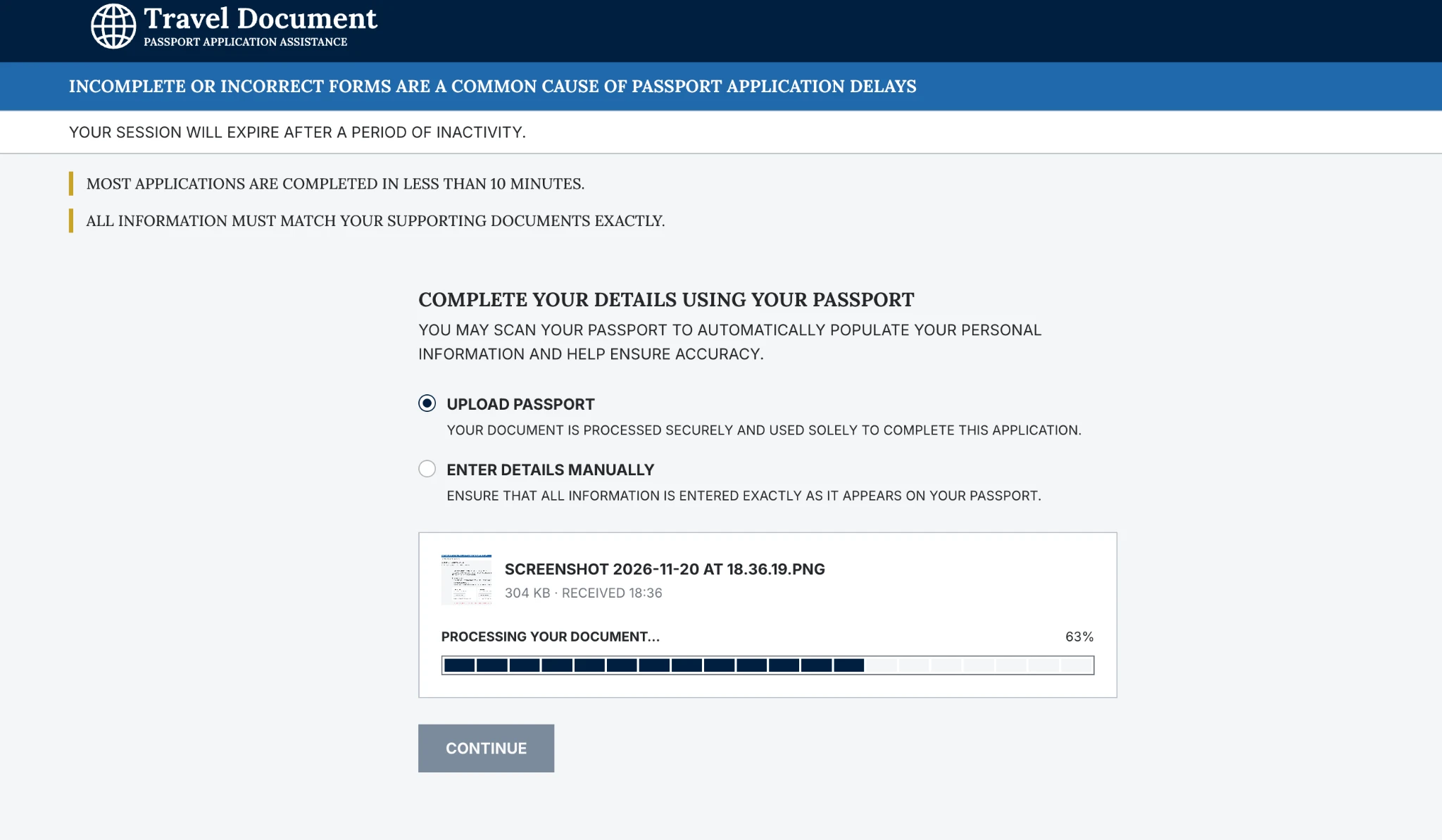
7. Reviewing your passport details. The next page shows your current passport number, issue date and expiration date, and you can edit any field. Check each one against your actual passport rather than trusting the scan, because a wrong character or date is exactly the kind of error the service is meant to prevent. The same page asks whether you also hold a passport card.
8. Entering your address. You enter your current residential address, then a mailing address for the new passport. A checkbox lets you reuse your residential address, and the page shows exactly where the passport will be sent.
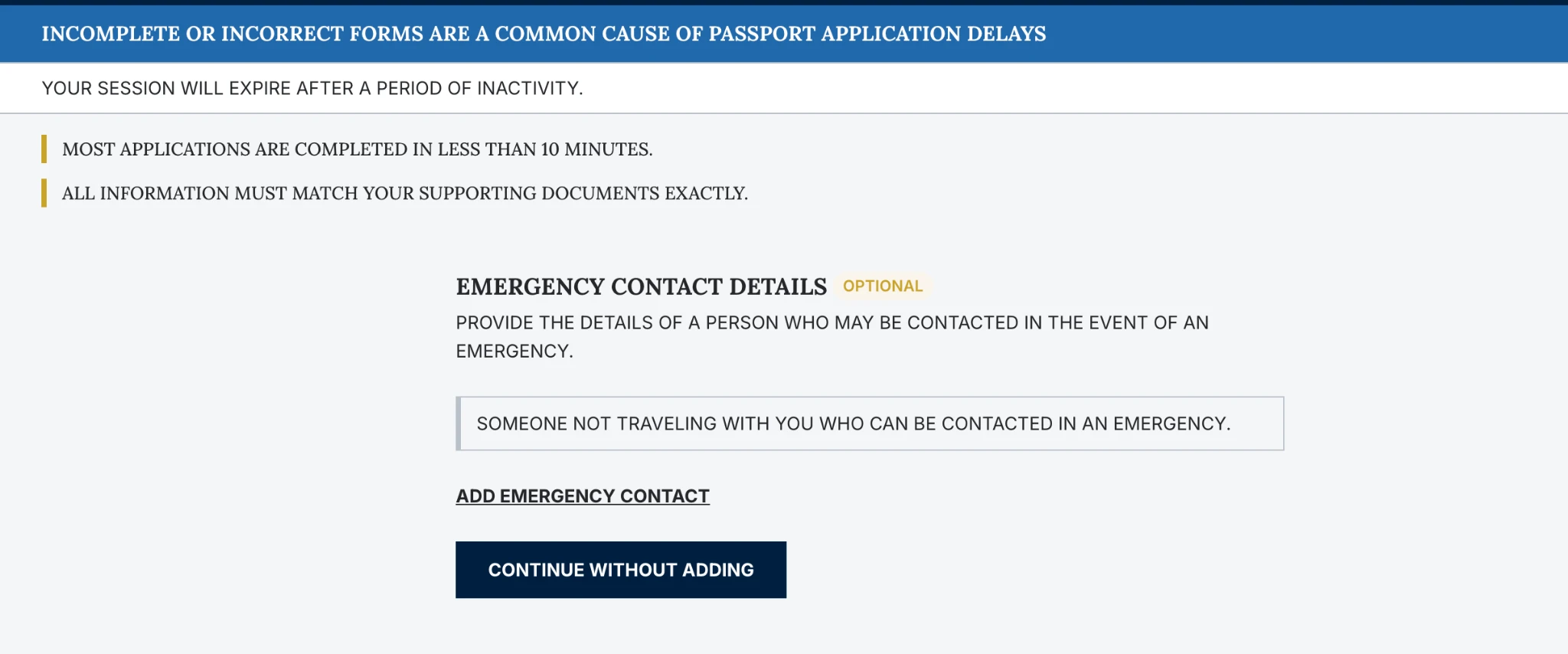
9. Emergency contact. You can add someone who isn’t travelling with you to be contacted in an emergency. This step is optional, and you can continue without adding anyone.
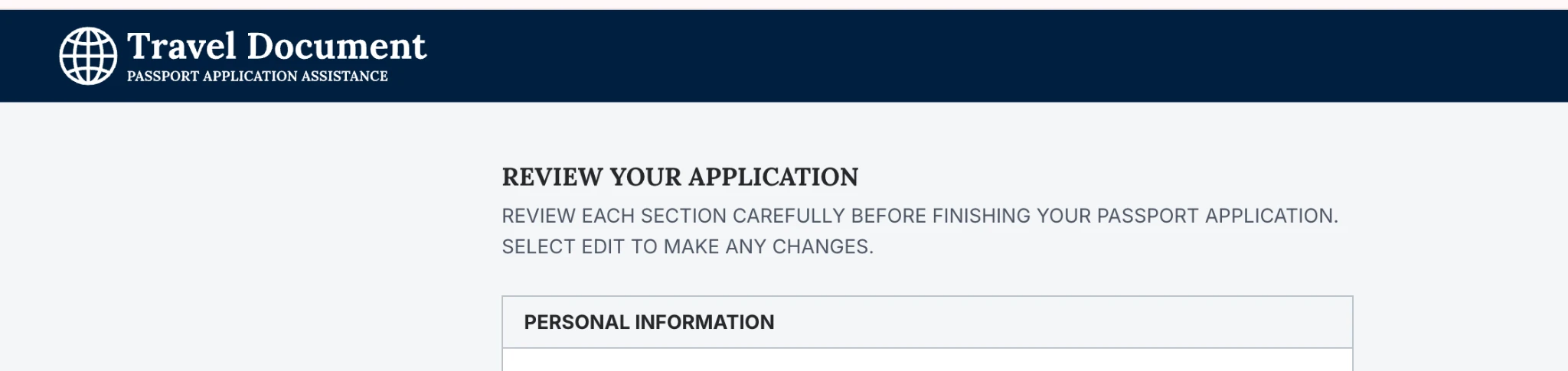
 10. Reviewing the application. A summary page lists every section, starting with personal information, and each one has an Edit option. You then tick a box confirming that the information is complete and accurate, with a reminder that false statements can lead to delays or denial.
 11. Choosing a processing speed. Four options are offered, and none is selected by default:
- Essential: standard delivery
- Expedited: delivery in 4 weeks
- Priority: delivery in 2 weeks, handled by a registered passport courier
- Rush: delivery in 3 to 5 business days, handled by a registered passport courier
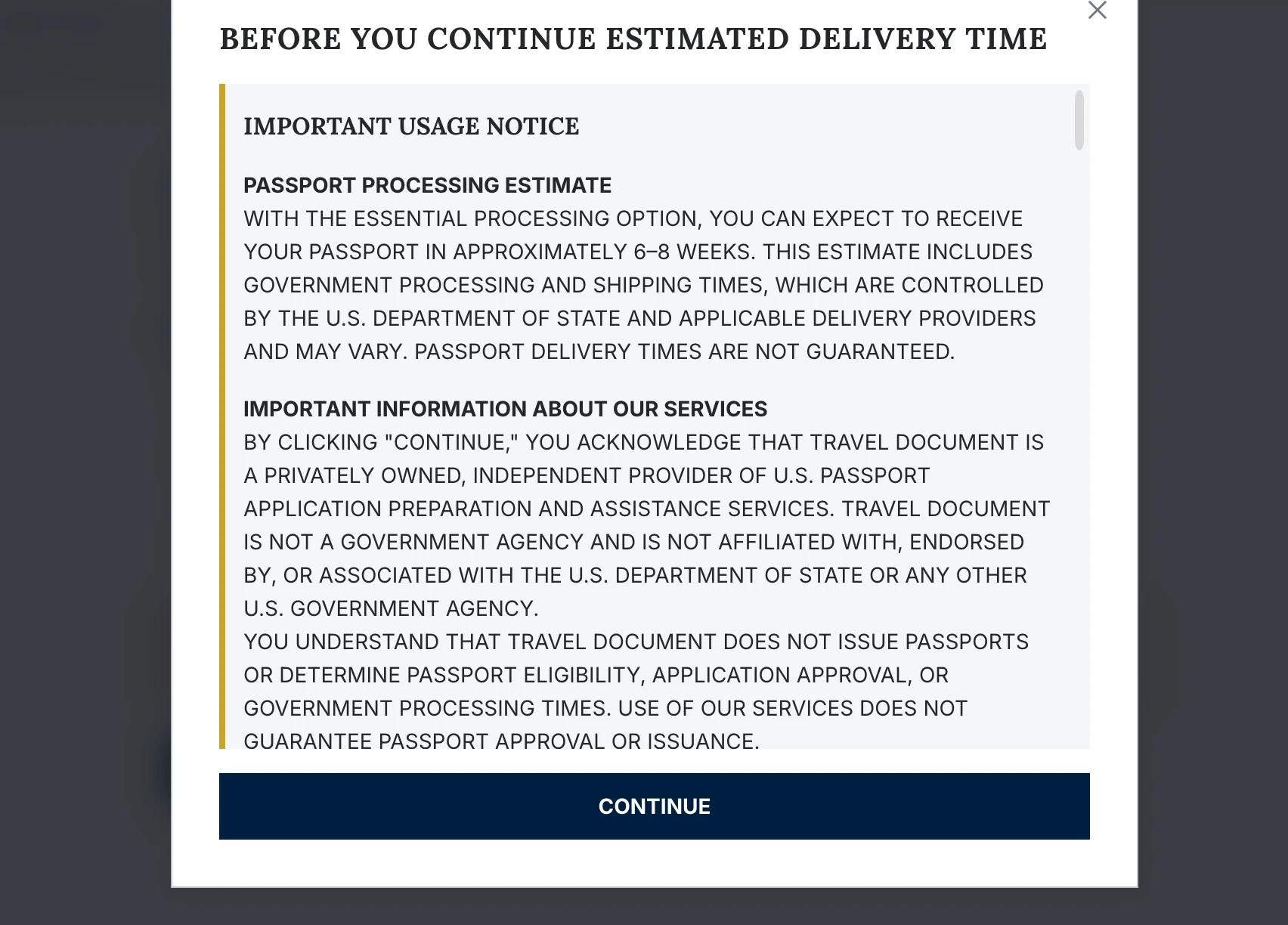
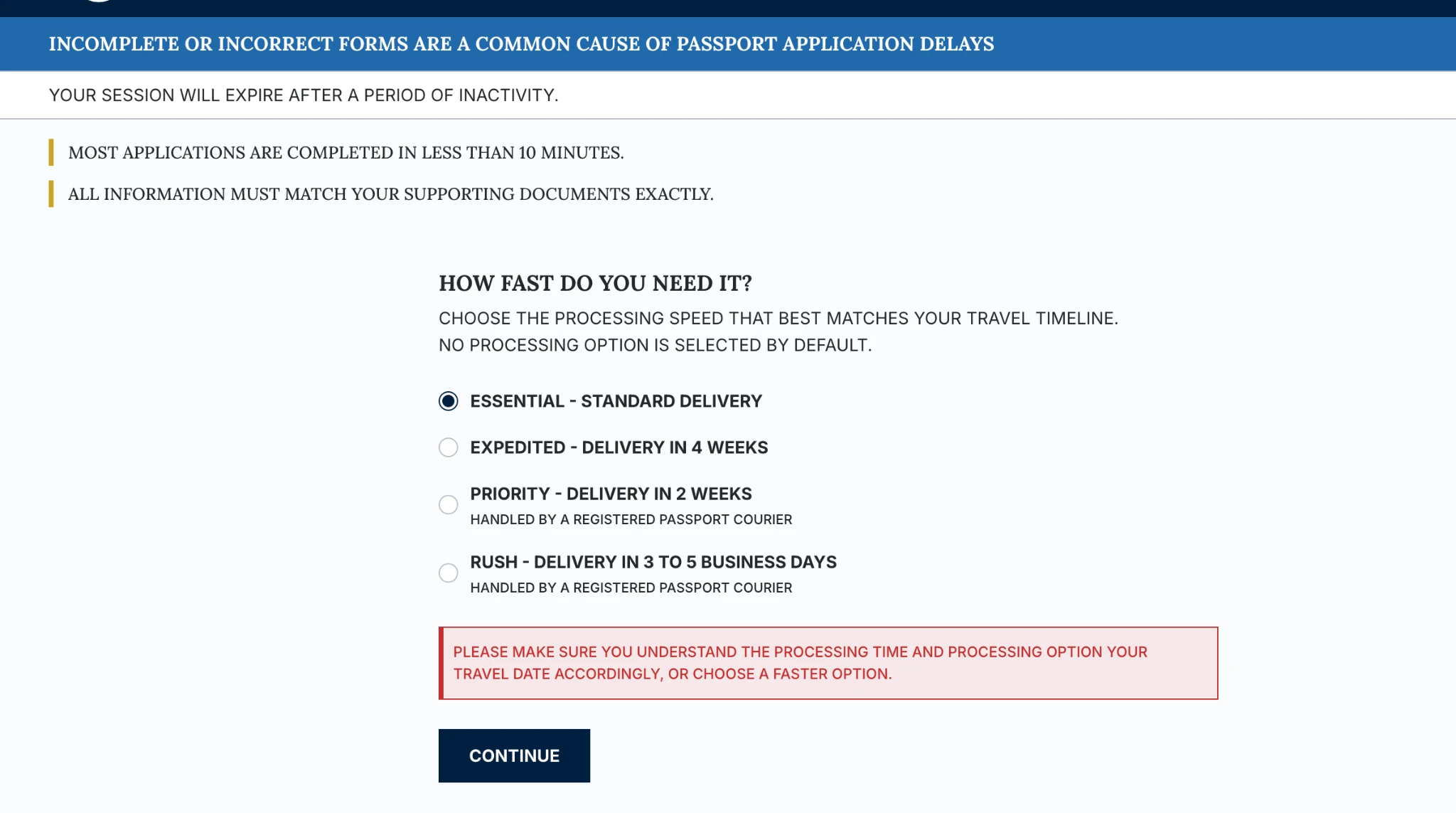 A red notice asks you to make sure you understand the processing time and to plan your travel accordingly, or to choose a faster option. I chose Essential. A pop-up then estimated delivery in roughly 6 to 8 weeks, including government processing and shipping, which the site says it doesn’t control and can’t guarantee. The pop-up also repeats that Travel Document is independent and doesn’t decide eligibility or approval.
 12. Paying. The billing page confirmed the Essential plan and a service fee, which was the amount due that day. It states clearly that government fees, including the State Department application fee and any optional government expedite fee, are paid separately and aren’t included. Only Visa and Mastercard are accepted.
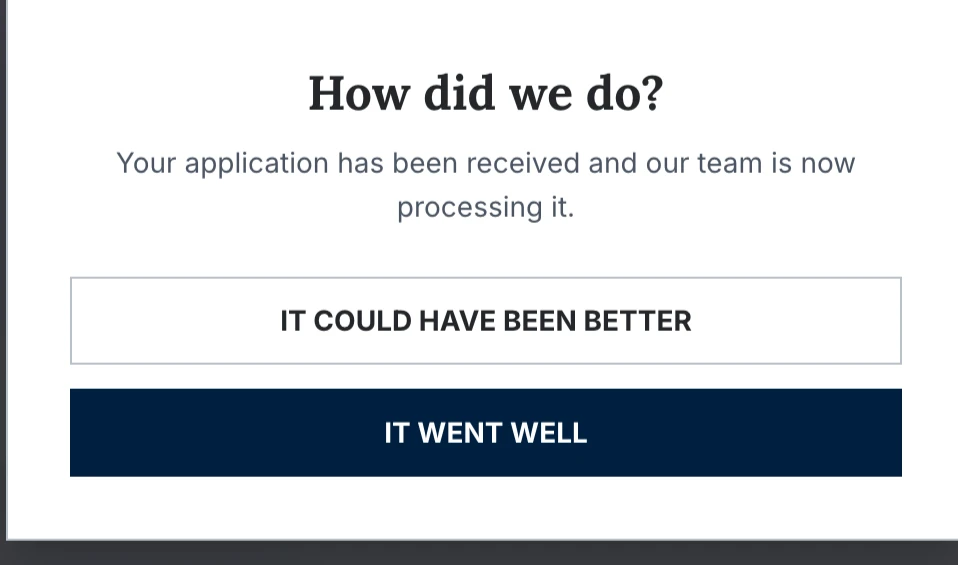
13. After submitting. A short “How did we do?” pop-up confirmed the application had been received and was being processed. The tracking dashboard has three tabs: Application Status, Request Changes and Contact Us. It showed my application as Under Review, with a prompt to complete a few remaining details so processing could begin. One oddity: the dashboard labelled my application “New Passport” even though I’d applied for a renewal.
14. The specialist review. A specialist reviewed my application in under two days.
15. Follow-up from support. Over the next few days, support sent several messages asking me to add details. It meant a little extra work, but it showed someone was actually checking my answers. Watch your inbox so these requests don’t hold things up.
16. Finishing the application. On the Essential plan, Travel Document gives you a prepared form; it doesn’t submit it for you. You print and sign it, then send it with your passport, photo and the government fee. The State Department makes the final decision.
Pricing and Fees
Government fees are usually extra. On Essential, the billing page confirms that the State Department application fee and any expedite fee are paid separately. According to the FAQ, only Priority and Rush renewals include the government application fee.
There may be a recurring membership. The FAQ says purchases include a SafeTraveler.us identity-protection membership billed until cancelled. Check your statement after paying. To cancel, use the phone line (+1 888 799 7858), email, live chat, or close your account.
Delivery is guaranteed. Essential is estimated at 6 to 8 weeks, and even the courier-handled plans give estimates rather than promises.
The Free Alternative
Official passport forms are free from consulate locations, USPS post offices, or online at travel.state.gov. The government site explains the requirements, fees and photo rules at no cost, and Travel Document points this out itself during the application.
Pros and Cons
Pros
- The application is split into short, clear screens, with helpful explanations such as what a passport card can be used for.
- It’s open about not being a government agency, repeating this on several screens.
- Scanning your passport fills in your details, and the tool rejects files that aren’t a passport photo page.
- Every section can be edited before you pay.
- No processing speed is pre-selected, and each option shows a clear delivery estimate.
- The billing page states plainly that government fees are extra.
- A specialist reviewed my application in under two days, and support followed up on missing details.
Cons
- Government fees are paid on top of the service fee on most plans.
- On standard plans, you still print, sign and submit the application yourself.
Verdict
Travel Document’s renewal process is well organized. I will definitely recommend it for the passport renewal purposes. The screens are short, the explanations are clear, the passport scan saves typing, and the billing page is upfront. A specialist reviewed my application in under two days, and support followed up on the details I’d missed. What you’re paying for is guidance and a second check, not a faster or official route to a passport, and on Essential you still submit the form yourself and pay the government fee separately. It’s worth considering if government forms make you nervous or you need courier-handled speed.